
Aladdins Gold Casino doesn't offer a downloadable app for iPhone or Android, but its browser-based platform runs smoothly on any phone, so there's nothing to install before you play. Open the site in your phone's browser and the lobby, cashier, and every one of the 200+ games from RTG and Spinlogic Gaming load exactly as they do on desktop. Below you'll find how to open the casino on your phone, pin a shortcut to your home screen, and what (if anything) changes once you switch from a laptop to a handset.
Is There an Aladdins Gold Casino App?
Search the App Store or Google Play and you won't find an official Aladdins Gold Casino app — the casino has chosen a browser-based approach instead of a downloadable one. For players, that's a simpler setup: there's no app to install, no storage space to free up on your phone, and no separate update to install every few weeks.
The mobile site is built to mirror the desktop experience closely. Open it in Safari, Chrome, Firefox, or another browser and the layout reshapes itself to fit a smaller screen — menus collapse into a simpler navigation bar, buttons grow large enough for a thumb, and the game lobby switches to a single-column view that's easy to scroll through.
Because your account lives on the same site regardless of device, nothing gets left behind when you switch from a laptop to a phone mid-session. Your balance, any bonus progress, and your recent game history carry over instantly, since you're simply logging into the same account through a different browser window.
Some players prefer this setup precisely because it avoids the usual app-store review delays and forced update prompts — the site is simply available whenever you open your browser.
How to Add Aladdins Gold Casino to Your Home Screen
A home screen shortcut gives you the closest thing to an app icon without ever visiting an app store. It takes under a minute to set up and works on both iOS and Android devices.
On an iPhone or iPad, open the casino site in Safari, tap the share icon at the bottom of the screen, scroll down, and tap "Add to Home Screen." Confirm the name you'd like to use, and an icon appears on your home screen alongside your other apps.
On an Android phone, open the site in Chrome, tap the three-dot menu in the top corner, and choose "Add to Home screen." Android will ask you to confirm the shortcut name before placing the icon.
From that point on, tapping the icon opens the casino directly, skipping the step of typing the address into a browser bar. The page still loads through your browser in the background, so you get app-like convenience without any installation.
💡 Tip: if you share your phone with family, choose a plain shortcut name during setup, since whatever title you pick is what shows underneath the icon.
Mobile Access at a Glance
| Feature | On Mobile Browser |
| App Download | Not required — play directly in your browser |
| Game Library | 200+ slots, table games and live dealer tables from RTG and Spinlogic Gaming |
| Home Screen Shortcut | Added manually via your browser's share or menu option |
| Login & Registration | Identical process to desktop, just resized for touch screens |
| Deposits | Visa, MasterCard, Bitcoin, Ethereum, Litecoin, Bank Wire, Courier Cheque, Interac |
| Support | Available 24/7 by phone and email |
Play Aladdins Gold Casino on Your Phone
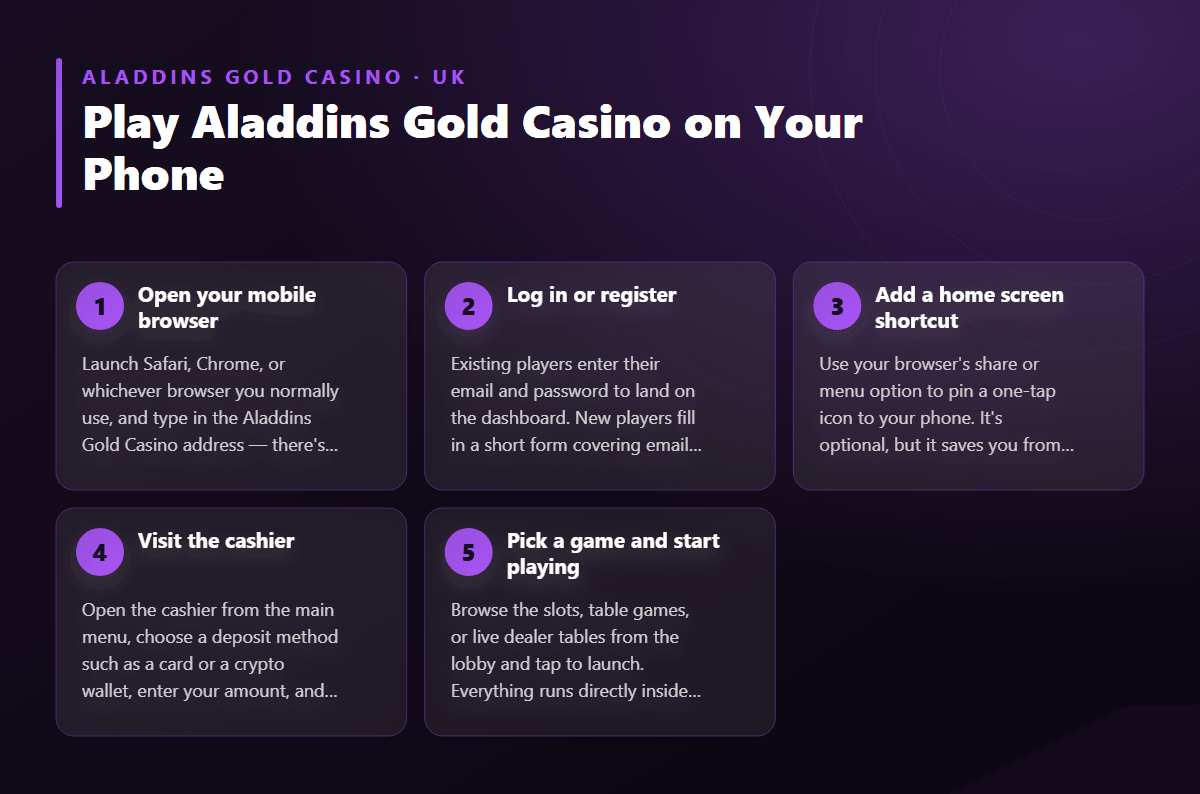
- 1Open your mobile browserLaunch Safari, Chrome, or whichever browser you normally use, and type in the Aladdins Gold Casino address — there's no app store detour required, and the full site loads just as it would on a desktop.
- 2Log in or registerExisting players enter their email and password to land on the dashboard. New players fill in a short form covering email, password, currency, and date of birth, then confirm the verification link sent to their inbox.
- 3Add a home screen shortcutUse your browser's share or menu option to pin a one-tap icon to your phone. It's optional, but it saves you from retyping the address every time you want to play.
- 4Visit the cashierOpen the cashier from the main menu, choose a deposit method such as a card or a crypto wallet, enter your amount, and confirm — funds generally appear within minutes depending on the method.
- 5Pick a game and start playingBrowse the slots, table games, or live dealer tables from the lobby and tap to launch. Everything runs directly inside your browser window, with no separate loading screen or install prompt.
What You Can Play on Your Phone
Switching to mobile doesn't shrink the game selection. The full library — more than 200 titles from RTG and Spinlogic Gaming — is available in the browser, covering slots, table games, video poker, and live dealer tables.
Several well-known titles run particularly smoothly on a touch screen, including:
- Aztec's Millions
- Spirit of the Inca
- Cleopatra's Gold
- Treasure Nile
- Cash Bandits 2
- European Roulette
Slot tournaments also run on mobile, so a leaderboard push during a commute or a lunch break is just as possible as one from your sofa. Live dealer tables stream directly in the browser too — tap controls replace mouse clicks, and video quality adjusts automatically to your connection, so tables still load cleanly on mobile data.
Because the mobile and desktop versions share the same back end, any game you favourite or any table you're mid-session on is right where you left it, whichever device you pick up next.
Logging In and Registering on Mobile
Creating an account from a phone involves the same handful of fields as on desktop, just arranged to stack vertically on a narrower screen. You'll provide an email address, set a password, choose your currency, and confirm your date of birth. Once you've confirmed your email through the link sent to your inbox, the account is active and ready to fund.
If you'd rather not wait until you're near a laptop, you can create your account from your phone right away and come back to finish depositing whenever suits you.
Returning players simply tap the login button, enter their email and password, and land on the mobile dashboard. From there, your balance, any active bonus, and your recent games are all visible without extra scrolling or switching tabs — the layout keeps the essentials near the top of the screen.
Deposits, Withdrawals and Support on the Go
The mobile cashier supports the same range of methods as desktop: Visa, MasterCard, Bitcoin, Ethereum, Litecoin, Bank Wire, Courier Cheque, and Interac. Crypto deposits tend to suit mobile play especially well, since scanning a wallet's QR code is often quicker than typing out long card numbers on a small keyboard.
Withdrawals work the same way in reverse — request a payout from the cashier menu, and it processes using the same method and timeframe as it would from desktop. For a full breakdown of limits and processing times by method, the payments page covers everything you need before you cash out.
Support is available around the clock by phone and email, so if a page doesn't load the way you expect on a particular browser, help is never far away. Most display quirks clear up by refreshing the page or switching between Wi-Fi and mobile data, but the support team can walk through anything more persistent.
Browser Tips for the Smoothest Mobile Experience
Any modern mobile browser handles the casino well, but a few small habits make the experience even smoother. Keeping your browser updated to its latest version helps game graphics and the live dealer stream render correctly, since older browser versions sometimes struggle with newer web technology.
If a game seems slow to load, switching from mobile data to Wi-Fi (or vice versa) often resolves it, particularly for live dealer tables that stream video continuously. Clearing your browser's cache occasionally also helps if the lobby looks outdated after a new game has been added.
Playing in portrait mode suits most slots, while landscape mode gives table games and live dealer tables a wider view of the cards or wheel — simply rotate your phone and the layout adjusts automatically.
FAQ
There's no separate app to download. The casino runs through your phone's browser instead, which keeps your account and game library identical to the desktop version.
No. Since everything runs in the browser, there's nothing to update manually — you'll always be using the current version of the site.
Yes. Your browser's share or menu option lets you pin a shortcut to your home screen, so opening the casino feels just like tapping any other app icon.
No. The full slot and table game library, along with live dealer tables, is available in the mobile browser exactly as it is on desktop.
Yes. The mobile site uses the same account security and payment handling as the desktop version, so logging in and depositing works the same secure way either way.
Yes. Registration, deposits, and bonus activation all work from a mobile browser, so there's no need to wait until you're near a computer.
Any modern browser works well — Safari and Chrome are the most commonly used, and both display the casino's mobile-optimised layout without extra setup.